
Meeting Guinea eVisa document format requirements means uploading supporting documents as PDF or JPEG files. UK travellers must prepare a passport scan, biometric photo, flight ticket, hotel booking, and yellow fever certificate before applying.
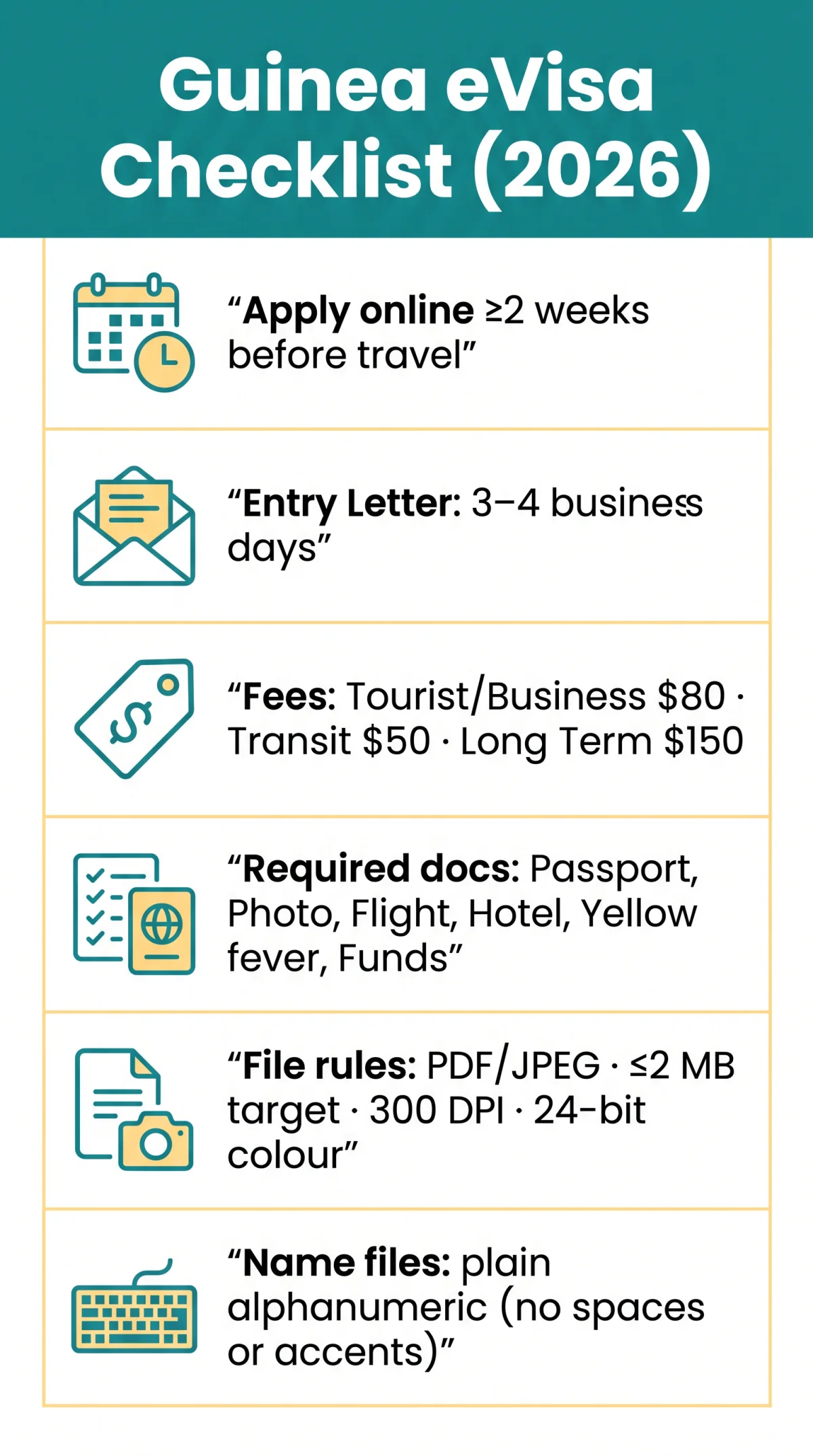
Guinea uses a hybrid eVisa system (DCPAF, paf.gov.gn/visa). Apply at least 2 weeks before travel; Tourist and Business eVisa fee is $80 USD (non-refundable). Transit eVisa: $50 USD (3-day validity). Long Term Visa (VLS): $150 USD (1-year validity).
Apply online
Submit application at paf.gov.gn/visa at least 2 weeks before travel
Receive Entry Visa Letter
Delivered by email within 3-4 business days
Present at airport
Show Entry Visa Letter at the visa on arrival counter
Biometric capture & stamp
Photo and fingerprint collection; receive physical visa stamp
Required Supporting Documents for Guinea eVisa – Full Checklist
The Guinea eVisa requires seven core supporting documents: passport scan, biometric photo, flight ticket, hotel booking, yellow fever certificate, proof of funds, and a business invitation letter for Business eVisa applicants.
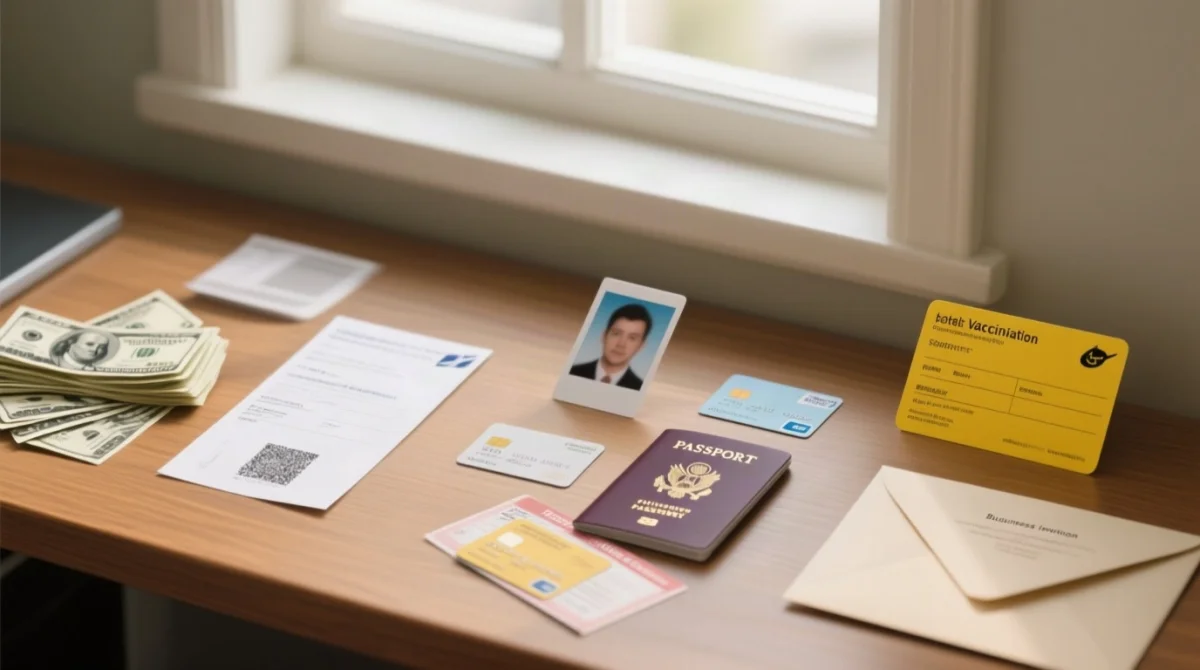
- Passport bio page scan: minimum 6 months validity from arrival date; clear, high-resolution scanned copy of passport data page
- Passport photo: minimum 150×200 pixels, white background, recent biometric passport photo
- Return or onward flight ticket / onward itinerary with passenger name, dates, and route
- Hotel booking confirmation showing traveller name and stay dates (or invitation letter as alternative)
- Yellow fever vaccination certificate: International Certificate of Vaccination, administered at least 10 days before travel
- Proof of sufficient funds: cash, traveller’s cheques, or cards
- Business invitation letter (Business eVisa only): from a Guinea-based company
The Entry Visa Letter is a pre-arrival approval document delivered via email after your Guinea eVisa online application. Present it at the Guinea airport visa on arrival counter to receive your physical visa stamp.
Citizens of ECOWAS member states, Algeria, Egypt, Morocco, Namibia, Rwanda, Singapore, and Tunisia are visa-exempt and do not need a Guinea eVisa.
Accepted File Formats & Document-Type Mapping for Guinea eVisa
The Guinea eVisa portal accepts PDF, JPG, PNG, GIF, and BMP; use PDF for multi-page documents and JPEG for passport photos and single-page scans.
| Document Type | Accepted Formats | Recommended Format | Notes |
|---|---|---|---|
| Passport bio page scan | PDF, JPEG/JPG | Full colour, 300 DPI, include entire MRZ line | |
| Passport photo | JPEG/JPG | JPEG/JPG | Min. 150×200 px, white background |
| Flight ticket / itinerary | PDF, JPEG/JPG | Merge multi-page bookings into one file | |
| Hotel booking confirmation | PDF, JPEG/JPG | Traveller name and dates must be visible | |
| Yellow fever certificate | PDF, JPEG/JPG | Full colour scan of International Certificate | |
| Business invitation letter | PDF, JPEG/JPG | From a Guinea-based company |
The Guinea eVisa portal accepts PNG, GIF, and BMP but recommends PDF or JPEG for reliability and smaller file sizes.
Guinea eVisa File Upload Technical Specifications
Guinea eVisa uploads must stay within the portal’s size ceiling, be scanned at minimum 300 DPI, saved in full 24-bit colour, and named with plain alphanumeric characters only. Greyscale or black-and-white scans may be rejected due to MRZ (Machine-Readable Zone) line readability.
| Parameter | Specification |
|---|---|
| Accepted extensions | PDF, JPG, PNG, GIF, BMP |
| Maximum file size | Check paf.gov.gn/visa for current ceiling; aim under 2 MB |
| Scan resolution | 300 DPI minimum (flatbed scanner preferred) |
| Photo pixel dimensions | Minimum 150×200 px; recommended 600×600 px |
| Colour mode | Full 24-bit colour; no greyscale |
| File naming | Plain alphanumeric only: passport_scan.pdf, flight_ticket.pdf |
Scanner vs. smartphone: A flatbed scanner at 300 DPI produces the most reliable MRZ capture. Smartphone: flat surface, even light, no glare, crop to edges, keep MRZ visible. Convert HEIC to JPEG before uploading. During a test Guinea eVisa application in 2026, a 300 DPI flatbed scan with the full MRZ line visible resulted in Entry Visa Letter approval within 4 business days.
Multi-page documents: Merge multi-leg flight or hotel PDFs into one file. Never upload separate images for a single multi-page document.
Guinea eVisa Document Language Rules & Common Upload Mistakes
The Guinea eVisa portal accepts documents in French and English without translation; other languages require a certified translation into French or English.
| Problem | Solution |
|---|---|
| Name mismatch on tickets or hotel bookings | Verify traveller name matches passport exactly before uploading |
| File exceeds upload size limit | Compress PDF or reduce JPEG quality; aim under 2 MB |
| Blurry scan or cropped MRZ lines | Re-scan at 300 DPI; include full bottom two lines of passport data page |
| Accented characters or spaces in file name | Rename to plain alphanumeric: hotel_booking.pdf |
| HEIC format (iPhone default) | Convert HEIC to JPEG before uploading |
| Travel dates outside eVisa validity | Ensure itinerary falls within 90-day validity window for Tourist/Business Guinea eVisa |
Guinea eVisa Document Format Requirements FAQ
What documents are required for a Guinea eVisa application in 2026?
Passport scan (min. 6 months validity), passport photo, return flight ticket, hotel booking, yellow fever certificate, and proof of funds. Business eVisa applicants also need a business invitation letter from a company in Guinea.
What file formats does the Guinea eVisa portal accept?
The Guinea eVisa portal accepts PDF, JPG, PNG, GIF, and BMP. Use PDF for multi-page documents and JPEG for passport photos and single-page scans.
What is the maximum file size for Guinea eVisa uploads?
Check the application page at paf.gov.gn/visa for the current ceiling. If a file exceeds the limit, compress the PDF or reduce JPEG quality and aim for under 2 MB per file.
Can I upload a hotel booking in JPEG format?
Yes, JPEG is accepted. However, PDF is recommended for hotel confirmations, especially if the booking spans multiple pages.
Do my flight ticket dates need to match the eVisa validity period?
Yes. Your travel itinerary must fall within the Guinea eVisa validity window: up to 90 days for Tourist and Business visas. Ensure all travel dates align before uploading.
What happens if I upload the wrong file format?
The Guinea eVisa portal will reject the file. Convert it to PDF or JPEG and re-upload. Avoid HEIC, TIFF, or Word document formats.
Can I use a smartphone photo for my passport scan?
Yes. Ensure even lighting, no glare, a flat surface, and that the MRZ lines are fully visible. A flatbed scanner at 300 DPI is preferred for reliable results.
Are supporting documents accepted in English?
Yes. The Guinea eVisa portal accepts documents in French and English without translation. Other languages require a certified translation.
How should I name my files before uploading to the Guinea eVisa portal?
Use plain alphanumeric names with no spaces or special characters: passport_scan.pdf, flight_ticket.pdf, hotel_booking.jpg.
Is the yellow fever certificate a supporting document for the Guinea eVisa?
Yes. The International Certificate of Vaccination is mandatory and must be uploaded. It must be administered at least 10 days before travel.
Reviewed by Mamadou Diallo, travel consultant based in Conakry, specialising in West African visa regulations and Guinea eVisa requirements. Last reviewed: 1 September 2026 against the live portal at paf.gov.gn/visa.
Guinea eVisa document format requirements in 2026: Upload supporting documents as PDF or JPEG files. Each file must stay within the portal’s size limit (aim under 2 MB), use full 24-bit colour (no greyscale), and be saved with a plain alphanumeric file name (no spaces or accented characters). Passport scans should be at least 300 DPI and passport photos at least 150×200 pixels with a white background.