
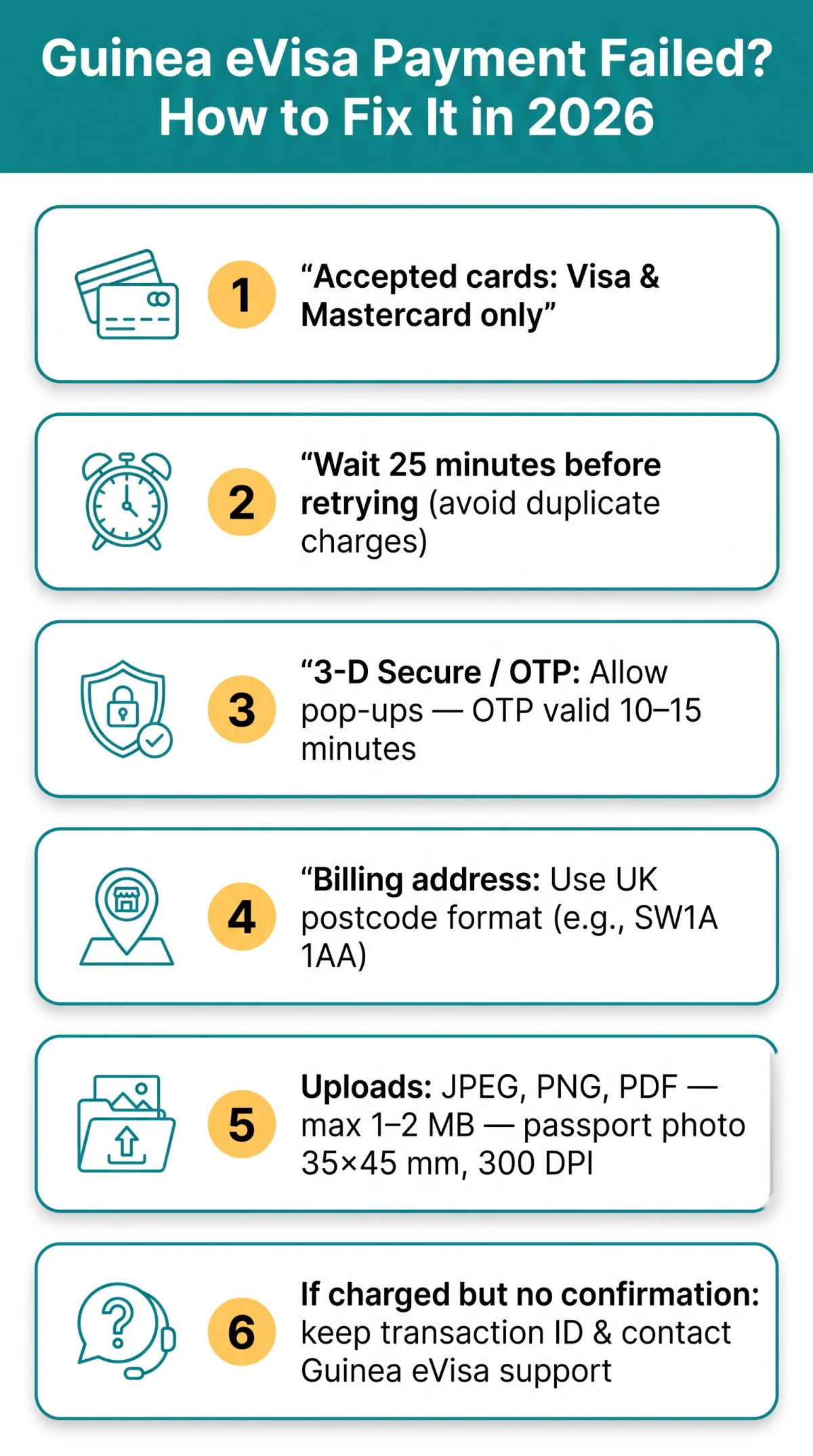
If your guinea evisa payment failed, the most common causes are unsupported card types, UK bank fraud blocks, or 3-D Secure verification timeouts. Ensure your bank has not blocked the transaction, your billing address matches your card, and your browser has pop-ups enabled for the 3-D Secure verification step. Clear your cache, disable ad-blockers, and retry after 25 minutes. If the issue persists, contact Guinea eVisa support with your transaction reference ID. You can also check your visa application status using your reference number.
Published: 9 September 2026. This is an independent informational guide for UK travellers; always verify details on the official Guinea eVisa portal before proceeding.
Why Guinea eVisa Payments Fail & How to Fix Them
A Guinea eVisa transaction error typically falls into one of seven categories, each with a fix below.
Common Payment Error Scenarios & Fixes
- Unsupported card: The Guinea eVisa portal accepts Visa and Mastercard only. American Express, prepaid cards, and most UnionPay cards are declined. Switch to an accepted card.
- “Data is incorrect” message: This error usually indicates an AVS rejection: a mismatch between your cardholder name and billing details. Re-enter your address in UK postcode format (e.g., SW1A 1AA).
- 3-D Secure / OTP failure: Disable pop-up blockers, confirm your registered phone number, and let the OTP redirect finish within 10-15 minutes.
- Charged but no confirmation: Do not retry immediately. Wait at least 25 minutes, note your transaction ID, and contact support. If a duplicate charge appears, retain both transaction reference IDs and report them to your bank’s international payments team for resolution.
- Currency conversion: The portal charges in USD; your UK card issuer converts the amount to GBP automatically. Check our full fee breakdown for current rates.
How to Unblock Your UK Bank for Guinea eVisa Payments
Your bank’s fraud-detection system may block the transaction. Contact them before retrying; a second attempt without clearance may lock your session. You can verify accepted payment methods on the official Guinea eVisa portal at guinea-evisa.gov.gn. If you are unsure about the process, read our guide on how to pay the Guinea eVisa fee.
Traditional Banks (HSBC, Barclays, Lloyds, NatWest)
- HSBC and First Direct: Call the number on the back of your card and request “international payment authorisation” for a transaction in Guinea.
- Barclays: Call the Barclays international line and state the merchant country (Guinea), the expected amount, and the transaction date.
- Lloyds and Halifax: Call the shared fraud prevention line and request a temporary lift of the international transaction block.
- NatWest and RBS: Call the number on your card, speak to the Fraud or International team, and ask them to whitelist the merchant.
App-Based Banks (Monzo, Starling, Revolut, Wise)
- Navigate to Card Settings in your app and enable international payments or remove geographic restrictions.
- Revolut and Wise also support multi-currency wallets, which reduce currency conversion failures during a Guinea eVisa payment.
Guinea eVisa Document Upload – Formats, Sizes & Fixes
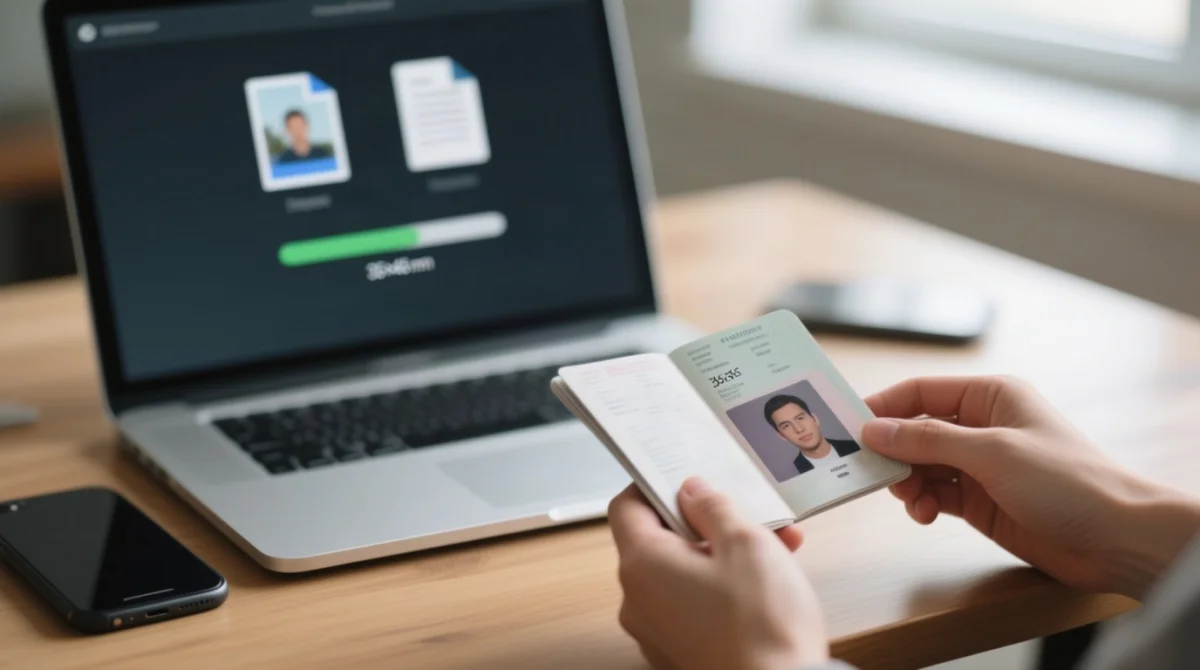
The Guinea eVisa portal accepts JPEG, PNG, and PDF files but rejects HEIC, oversized files, and non-compliant passport photos. Here is the complete specification and pre-upload checklist. For a broader overview, review the full requirements and checklist for your application.
Ensure you are on the Guinea-Conakry portal, not Equatorial Guinea (Malabo) at equatorialguinea-evisa.com.
Accepted Formats, File Size & Photo Specifications
| Item | Specification |
|---|---|
| Accepted formats | JPEG, PNG, PDF |
| Rejected formats | HEIC (Apple default), TIFF |
| Max file size | Typically 1-2 MB (check portal for exact limit) |
| Passport photo dimensions | 35 × 45 mm |
| Passport photo minimum resolution | 300 DPI |
Fixing Upload Errors – HEIC Conversion, Cache & Ad-Blockers
Convert any HEIC images to JPEG before uploading to the Guinea eVisa portal. Cookie and cache conflicts, along with ad-blocker extensions, can interfere with the upload module. Clear your browser cache, disable ad-blockers, or switch to incognito mode if the upload fails. Make sure your picture meets the digital photo requirements to avoid further rejections.
Frequently Asked Questions (FAQ)
Why did my Guinea eVisa payment fail?
Common causes: unsupported cards (AMEX, prepaid), insufficient balance, bank security block, 3-D Secure OTP failure, session timeout, billing address mismatch, or temporary portal outage.
Which payment cards are accepted on the Guinea eVisa portal in 2026?
Visa and Mastercard only. American Express, prepaid cards, and some UnionPay cards are rejected.
How many times can I retry my Guinea eVisa payment?
Wait at least 25 minutes between attempts (industry standard per IVC Visas, ivcvisas.com) to avoid duplicate charges; the Guinea portal’s exact limit may vary.
What is the maximum file size for uploading documents to the Guinea eVisa portal?
Typically 1-2 MB per file; check the portal’s upload page for the exact limit.
How do I unblock my UK bank card for a Guinea eVisa payment?
Call your bank’s international payments team. For HSBC or First Direct, call the number on your card and request international payment authorisation. For app-based banks like Monzo, Starling, Revolut, or Wise, open your app settings and enable international payments or remove geographic restrictions.
My Guinea eVisa payment was charged but I received no confirmation. What should I do?
Do not retry immediately. Check your visa application status using your reference ID. If not updated, contact Guinea eVisa support with your transaction reference ID. If no resolution within 72 hours, contact your bank to request a chargeback.
Is the Guinea eVisa portal the same as the Equatorial Guinea eVisa portal?
No. This guide covers the Republic of Guinea (Guinea-Conakry). Equatorial Guinea (Malabo) operates a separate eVisa system managed by VFS Global at a different URL.
What file formats does the Guinea eVisa portal accept for document uploads?
JPEG, PNG, and PDF. HEIC (Apple default) is not accepted; convert to JPEG before uploading.
How long does the Guinea eVisa payment session last before it times out?
Approximately 10-15 minutes; have your payment details ready.
What should I do if my Guinea eVisa payment shows a gateway error?
A gateway error (e.g., server error 500) indicates a temporary processor issue. Clear your browser cache, disable ad-blockers or VPNs, and wait before retrying. If the error persists, contact Guinea eVisa technical support.